
1. Click the red button Start Here or Start a Quote on the Dashboard page.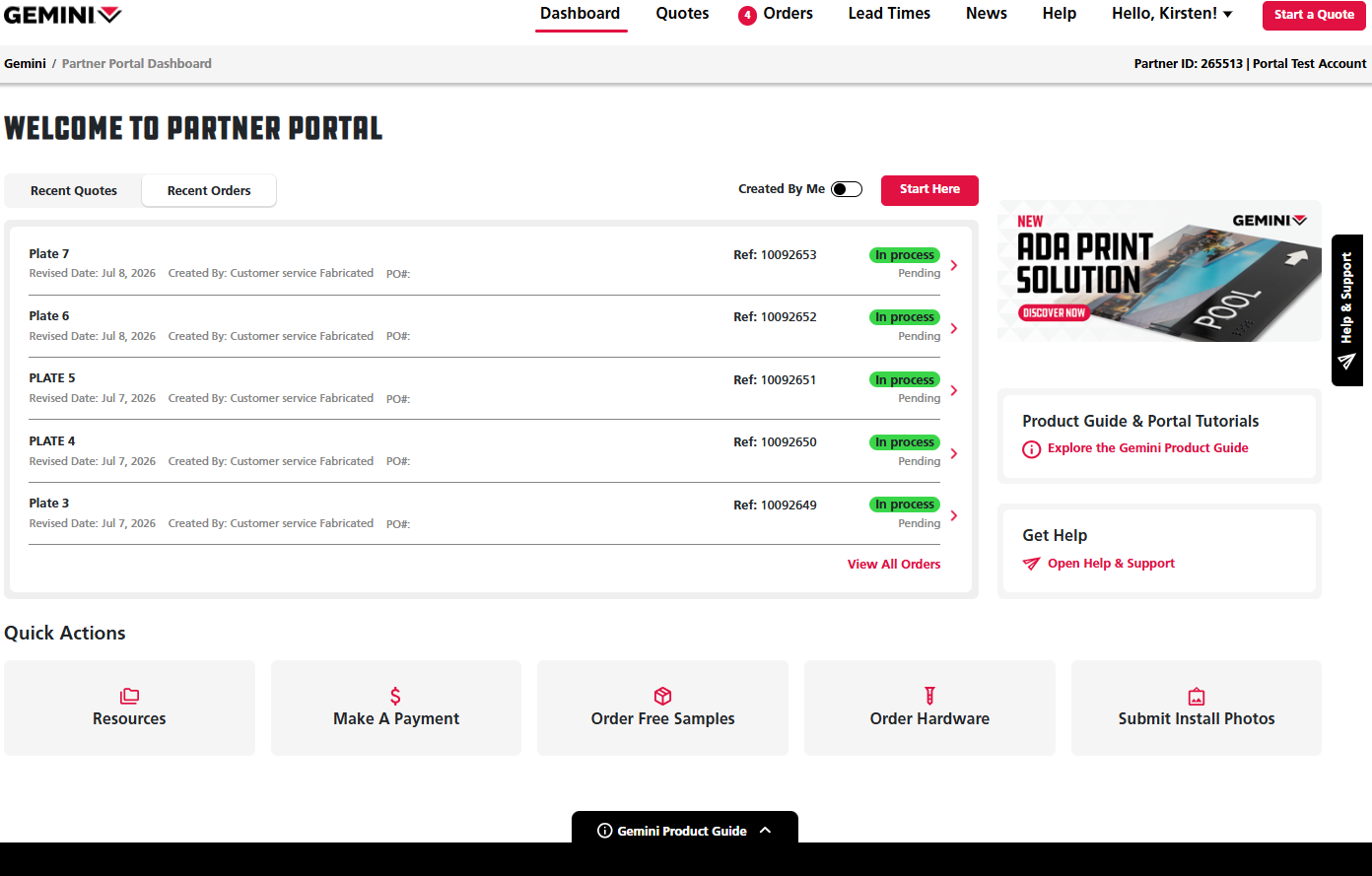
2. Enter a Job Name and click Save. 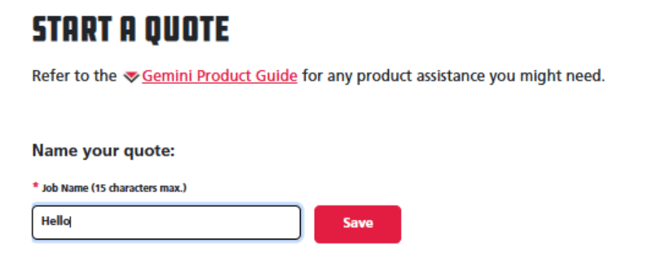
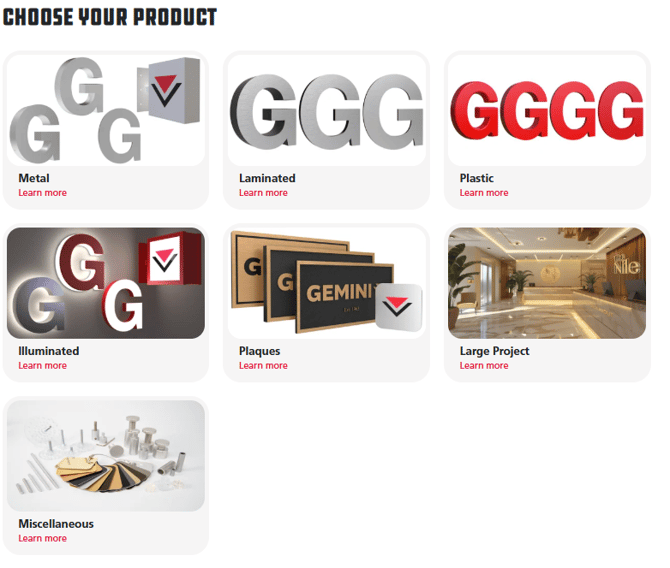
4. Select Bypass Entering Specifications and Continue to Upload Artwork.
Note: When selecting Bypass Entering Specifications, Artwork and Notes are required to place an order.
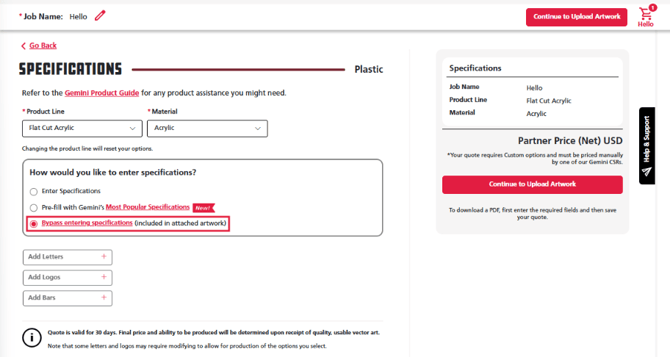
5. Upload your artwork by clicking on Choose Files in the Upload Artwork box. You may also add any additional files as well if needed.
6. Add any notes that apply to the order in the notes text box.
7. Once you have added all necessary information for your order, click the red button Proceed To Order. 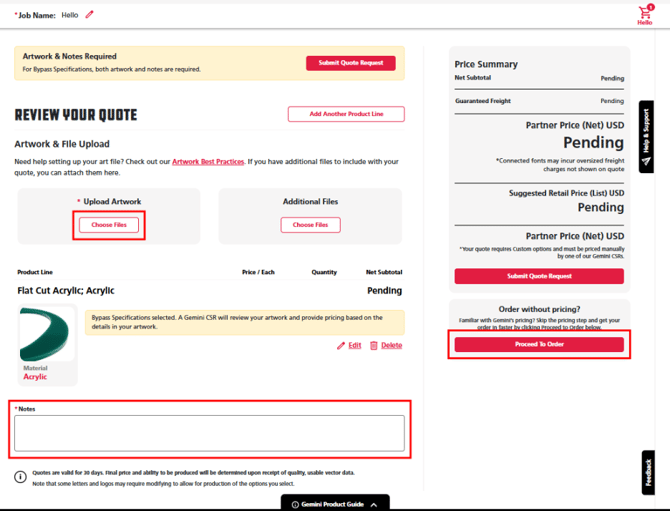
8. Fill in your contact information and submit your order by clicking the red Place Order button at the bottom right under the Price Summary. 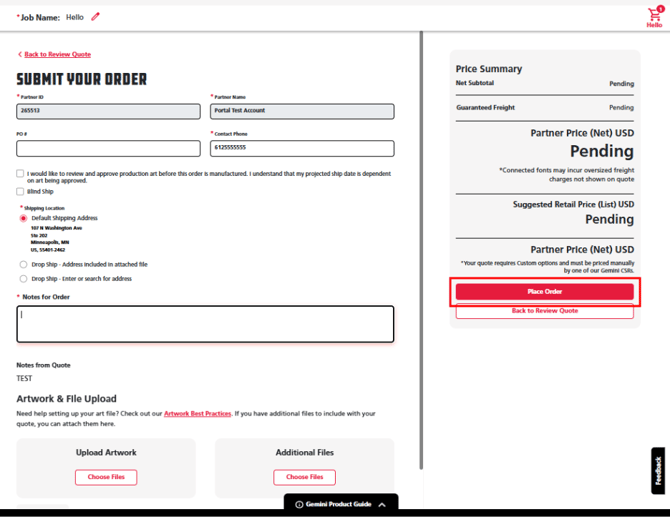
If you have any questions or concerns about your orders, click the Start a New Message button with the black paper airplane icon on the Help & Support Panel at the right of the screen or directly on your order to contact your customer experience team.

